Proof · Safety software with an AI advisor built in
Vigil HSE
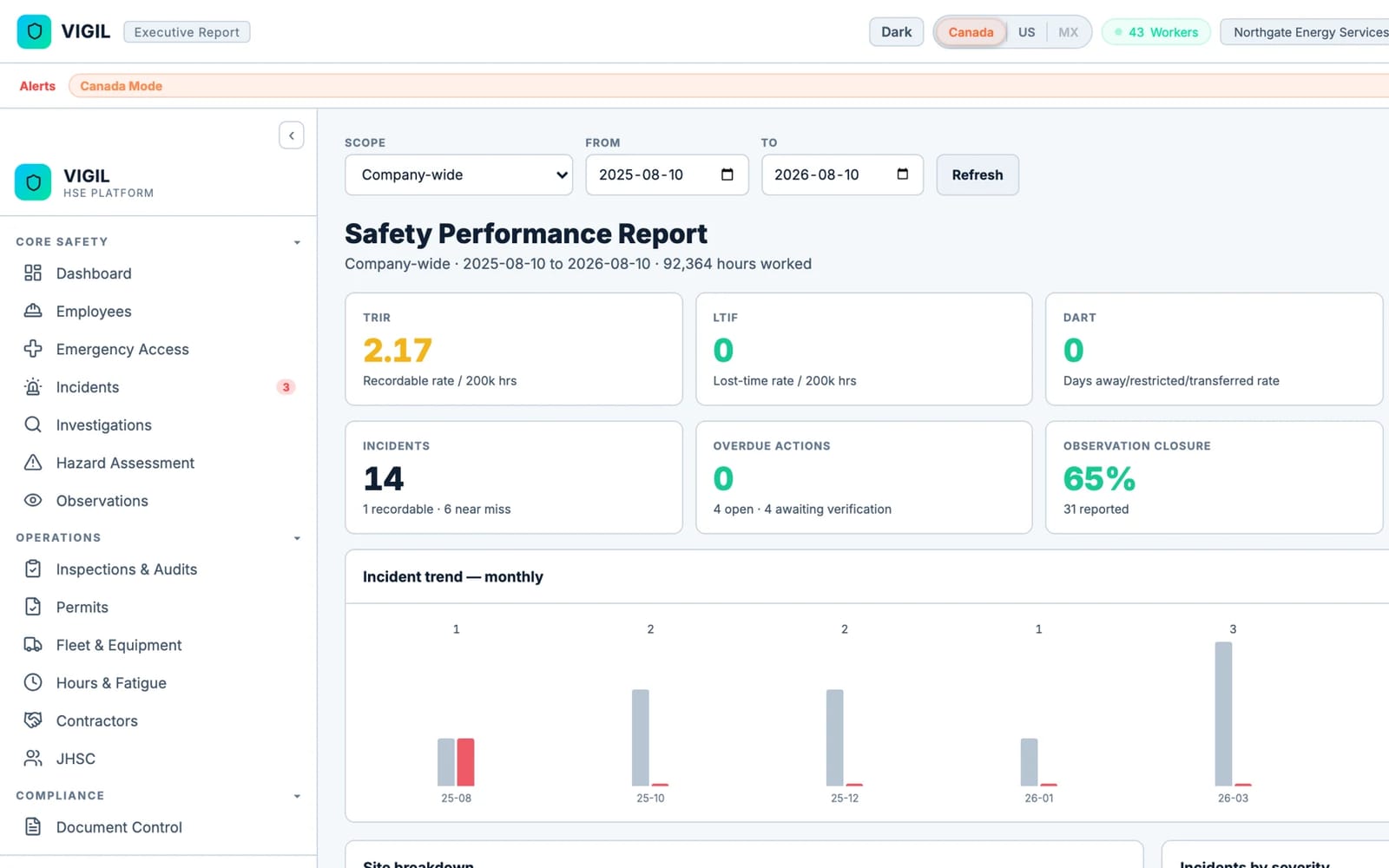
We build with these tools every day. Vigil HSE, a safety platform built by our team for industrial companies, has an AI safety advisor at its core.
See it live ↗
Most AI training is a slide deck people forget by Friday. Ours is hands-on. Your team brings real work, a quote to write, a report to build, an inbox to clear, and leaves with it done and a way to do it again.
What you get
Teams who have AI tools switched on but barely used, owners who want to know what is safe to use at work, and offices where one person has figured it out and everyone else is curious.
We ask what your people do all day, then build the session on those tasks.
Claude, Microsoft Copilot, Google Gemini, NotebookLM. We teach whichever fits your setup.
Everyone works through real examples on their own laptop.
What is fine to paste into an AI tool, what is not, and how to check its answers.
The prompts and steps that worked in the room, written down for your team.
On site in the Calgary area, or by video anywhere in Canada.
We build with these tools every day. Vigil HSE, a safety platform built by our team for industrial companies, has an AI safety advisor at its core.
See it live ↗Questions
Not answered here? Send a note and we will reply within one business day.
No. Sessions start where your team is. If some people are ahead, we give them harder problems while others get the basics.
We run half-day and full-day sessions. Some teams follow up with shorter sessions for specific roles, such as sales, office admin or managers.
Usually the one that comes with what you already pay for. Microsoft 365 shops tend to start with Copilot, Google Workspace shops with Gemini. We help you choose before the session.
It depends on the tool and the plan you are on. We cover this in every session and leave you with a short set of rules your team can follow.
Also from Ankur
The first call is free and takes 30 minutes. You will leave with a clear idea of what is worth building and what is not.
Prefer to write? Send us a note.